I love finding apps that encourage children's imagination and ideas. Pirate Scribblebeard's Treasure is an app designed to foster creativity and playful exploration, demonstrating the power of an iPad as a tool for learning. Based around the theme of pirates, pirates Oscar and Josephine take children on an adventure. Each page children are gently guided through the theme of the story creating their own illustrations that come 'alive' through animation. The story can be read and recreated many times.
Check out the developer's YouTube video:
This app is currently free through iTunes so give it a go and create your own pirate treasure!
I have been using Strip Design with the children at Whangarei Primary both on iPod touches and iPads. This has proved a very successful tool for sharing digital photos. The junior children have explored this app by taking their own photos around the school, adding them to strip design and writing small captions with some of the photos. The senior children are flying as they add frames, text, colour and different effects to personalise their story. Endless opportunties for creativity in their storytelling. Here are a few step by step guides to using Strip Design...
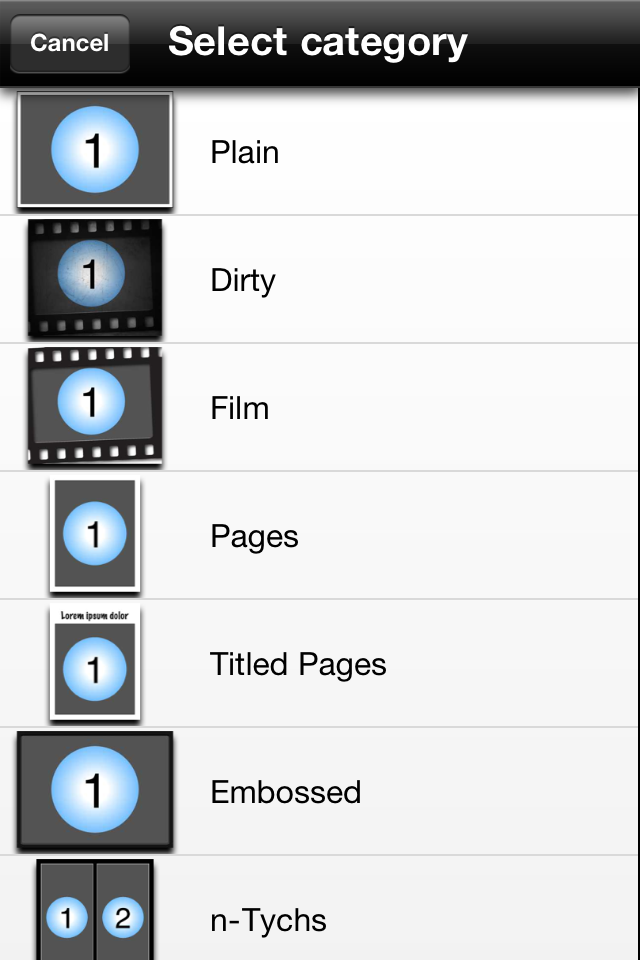
Step 1 - Choose your style
Step 2 - Choose your template and number of photos you wish to add
Step 3 - Click on add your photos
Step 4 - Choose photos from photo album, facebook etc or use the camera to take as you go
Step 5 - Have a play with your photos - add frames etc
An example of adding, changing style and colour of frame
Step 6 - Once you have your frames sorted you are able to choose text etc for title and words
An example of adding title - simply double click on words to change them - easy as:-)
Step 7 - When done click Share
From here to can email or save to Photo Album
You are also able to open as PDF and if you scroll down... share via facebook/flickr and twitter
My very basic finished product! Thanks to my Oxfam Adventure Angels team for sharing photos:-)